



In 2018, I left my developmental director job and became a freelancer, and whilst the code and actually doing the work was relatively simple, there were plenty of other things I had to figure out. There are thousands of talks about code and making WordPress work, but this is the boring stuff they don’t tell you about – where and how to pitch for work, setting yourself up for success, contracts, paying yourself and how to maintain a healthy work/life balance. This talk is the one I wished I heard when I began.
Back in 2008 the HTML5 proposition saw the light for the first time. HTML5 introduced new and extended APIs to support more interactive pages, and a whole stack of new semantic elements to delight us.
So after a lifetime (in web terms), how extensively are these elements being supported by A) browsers, B) used by developers, and C) how have they impacted upon the accessibility of websites that use them?
We’ll look at some successes, some elements where more browser or assistive technology finesse is required, and a frustrating selection where we are still a long way from being ‘match ready’.
So if you’re using these elements when building blocks and/or plugins, you’ll know whether accessibility is catered for.
Upcoming talk: register now
For the last few years, Tim has been coming to WPLDN to spread discord and woe during the Halloween period and this month is no different. He returns with tales from the dark side of WordPress and what happens when things go truly wrong with your projects and sites. Listen in horror as you realise this could happen to you and discuss how to plan for the worst.
Video coming soon
As AI advances and becomes more integrated into daily life, user interactions are changing. Users are now expressing their needs in natural language rather than navigating menus. We must shift our focus from click-through flows to specific input devices. With numerous options available, a key question is whether to include a human interface at all.
This talk explores product development in a context where the interface is less significant. It highlights emerging trends and emphasises the importance of focusing on outcomes rather than just screen design. This session is for anyone creating and looking to adapt to evolving user expectations.
Video coming soon
Even when the numbers look fantastic, client satisfaction isn’t always a given. In this session, we’ll explore why perception can matter more than metrics—and how web agencies can bridge the gap between the story data tells and the story a client hears.
We’ll unpack real-world examples, practical tactics, and quick wins for keeping clients engaged, confident, and excited—whether their site is smashing KPIs or they’re struggling to see the value. Walk away with a fresh playbook to turn stats into stories, build trust that sticks, and make sure the “reality” your clients experience is every bit as good as the results you deliver.
Video coming soon
Welcome to Headless WordPress – the magical land where you can keep all the good bits of WordPress (the admin, the plugins, the client’s obsession with it) and ditch the theme system, template hierarchy, and every get_the_thing() function that’s ever haunted a javascript developer’s dreams. We’ll dive into how to decouple WordPress from the front end entirely, freeing you to build slick, modern interfaces using javascript frameworks. We’ll cover what headless actually means, when it makes sense, and how to get started.
Video coming soon
The WordPress block editor has come a long way from its early days, but for many clients, it’s still an unknown, or worse, lumped in with clunky page builders they’ve battled before. In this talk, Louise shares how she positions the block editor as a powerful, future-proof content platform that wins over even the most sceptical stakeholders.
Drawing on real project examples, Louise will show how her team combines core block editor capabilities with:
- AI efficiency: from auto-generated image alt text and SEO meta descriptions to branded content creation.
- Personalisation: delivering the right message to the right audience with time, location, and behaviour-based content rules.
- Accessibility: accessibility checking in the editor and techniques to keep every page compliant from day one.
- Custom blocks: timelines, carousels, accordions and more, all modular, lightweight, and reusable.
This moves the conversation from cost to value, helping clients see the block editor as a strategic tool rather than just a CMS interface.
Video coming soon
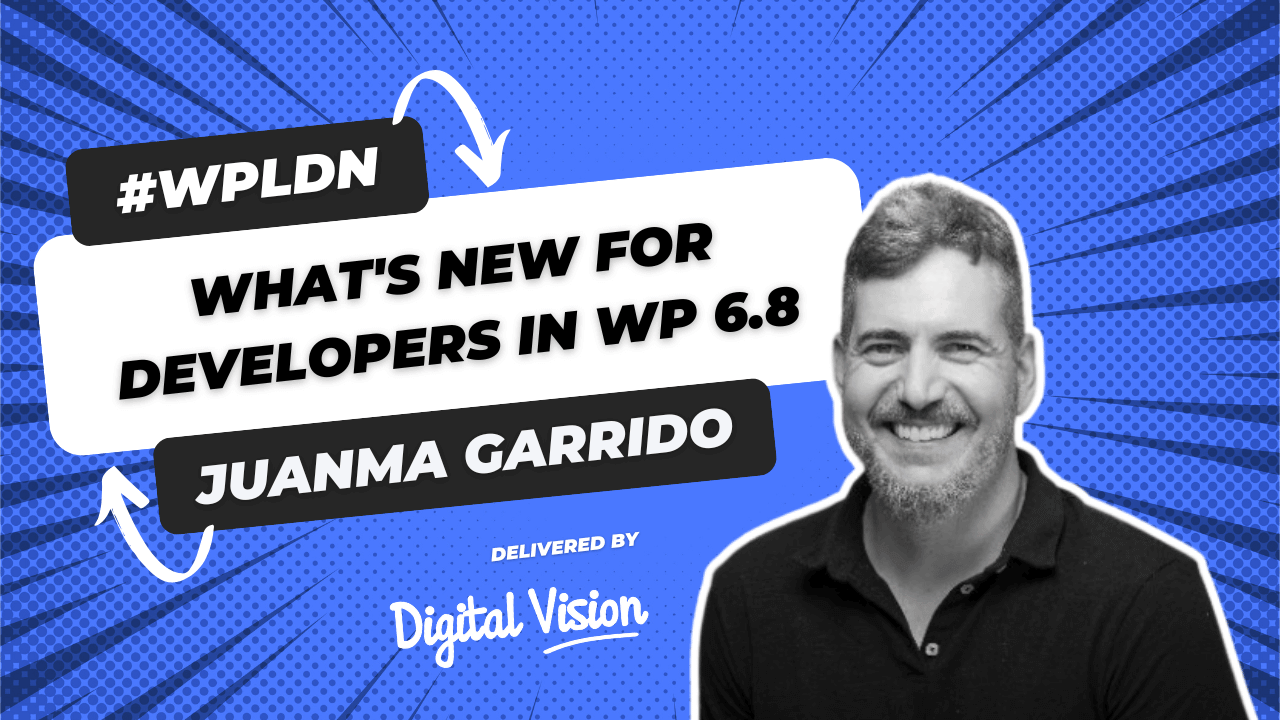
WordPress 6.8, also known as “Cecil,” comes with a bunch of useful updates for developers. It includes faster and cleaner ways to register block types, improvements to the Style Book, and new blocks like Query Total. This release also adds updates to APIs, better security with bcrypt password hashing, and performance boosts like speculative loading.In this talk, we’ll go over the key developer features in WordPress 6.8 and how they can help you build better sites.
Video coming soon
In this lightning talk (and my first in-person speaking engagement; I’m naturally introverted so go easy on me!), my intention is to give people a refresher as to the basics of WordPress security best-practice, including three security plugins I wouldn’t do without!
Video coming soon